Stamtree

Gallery

A look inside the workshop.

The family on these screens is the physicist Niels Bohr's, one of two documented sample families that come with the program.

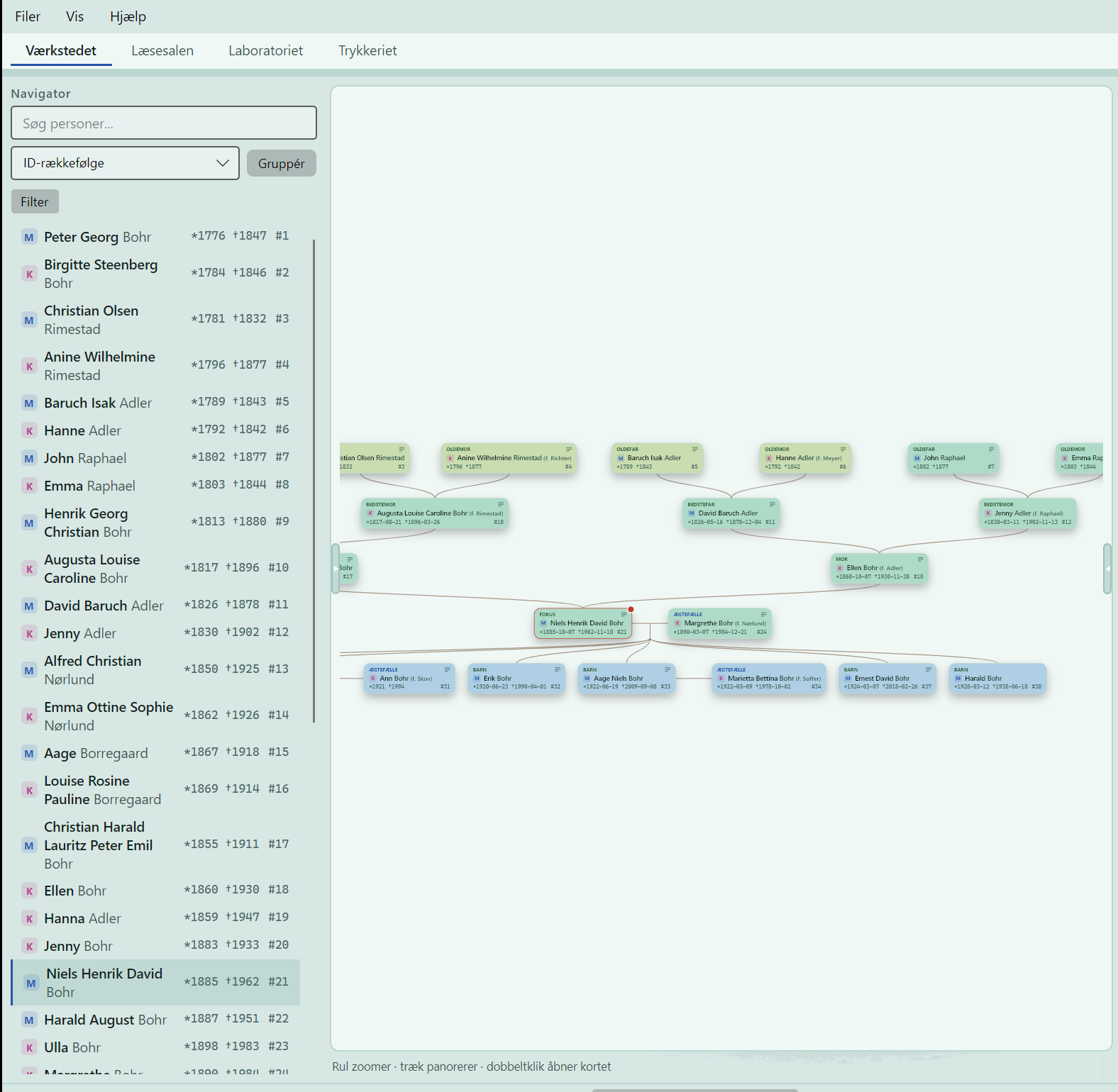
The family tree in Stamtree: three generations of ancestors above Niels Bohr, with spouse and children below. Each century has its own colour.
The family tree Three generations up, two down, and every century in its own colour, so you can see time in the tree. Each card shows the name, the years and the role - great-grandfather, grandmother, spouse - at a glance.

The four rooms

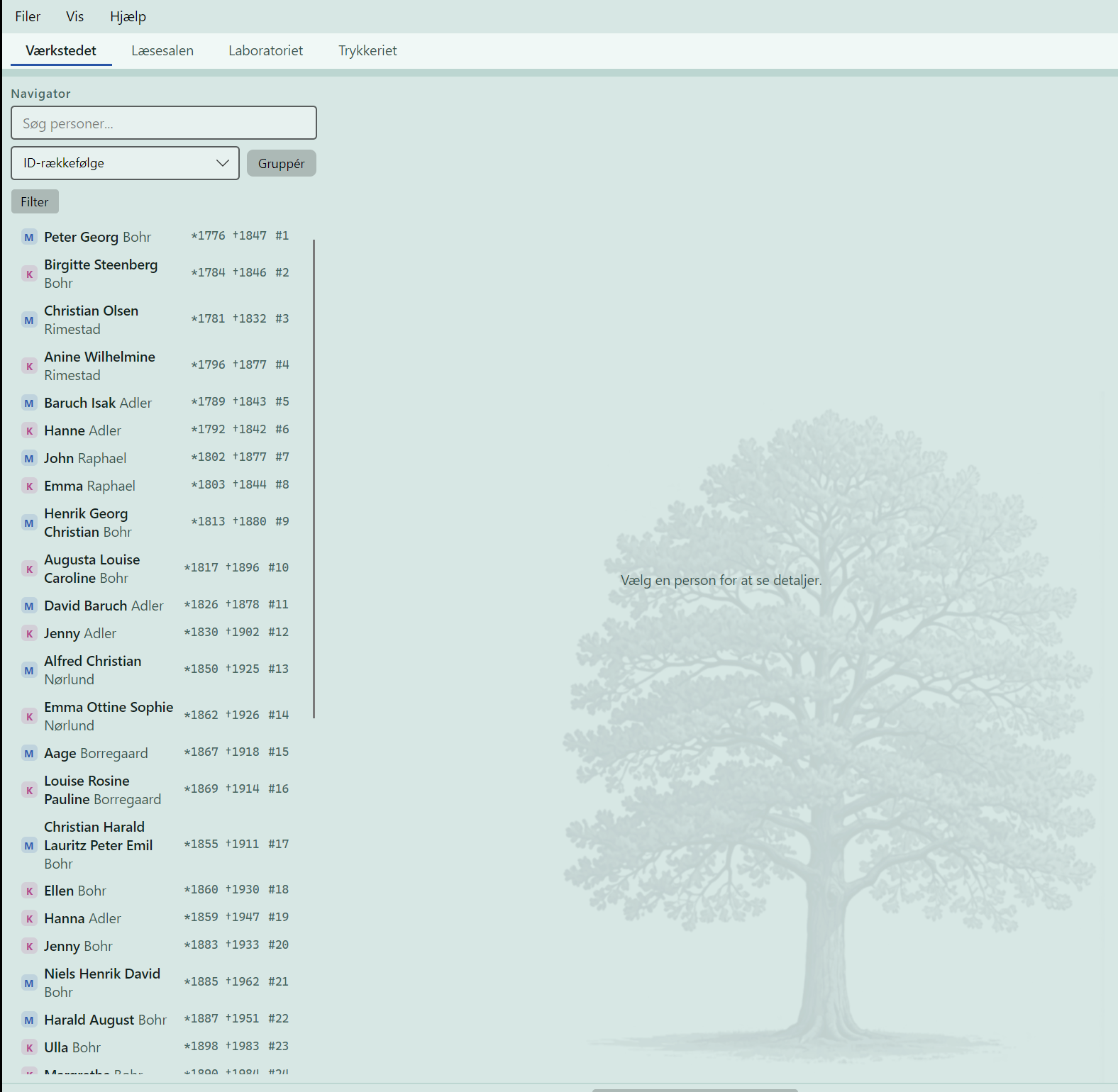
The Workbench in Stamtree at opening: the person list and the four rooms across the top.
The Workbench, at the door What you see when you walk in: the four rooms across the top, the person list ready, and the tree behind it all.
The whole family tree view in Stamtree with the person list on the left.
The Workbench, the tree The tree in its own room, with the person list at hand. Scroll to zoom, drag to move, double click to open the person.
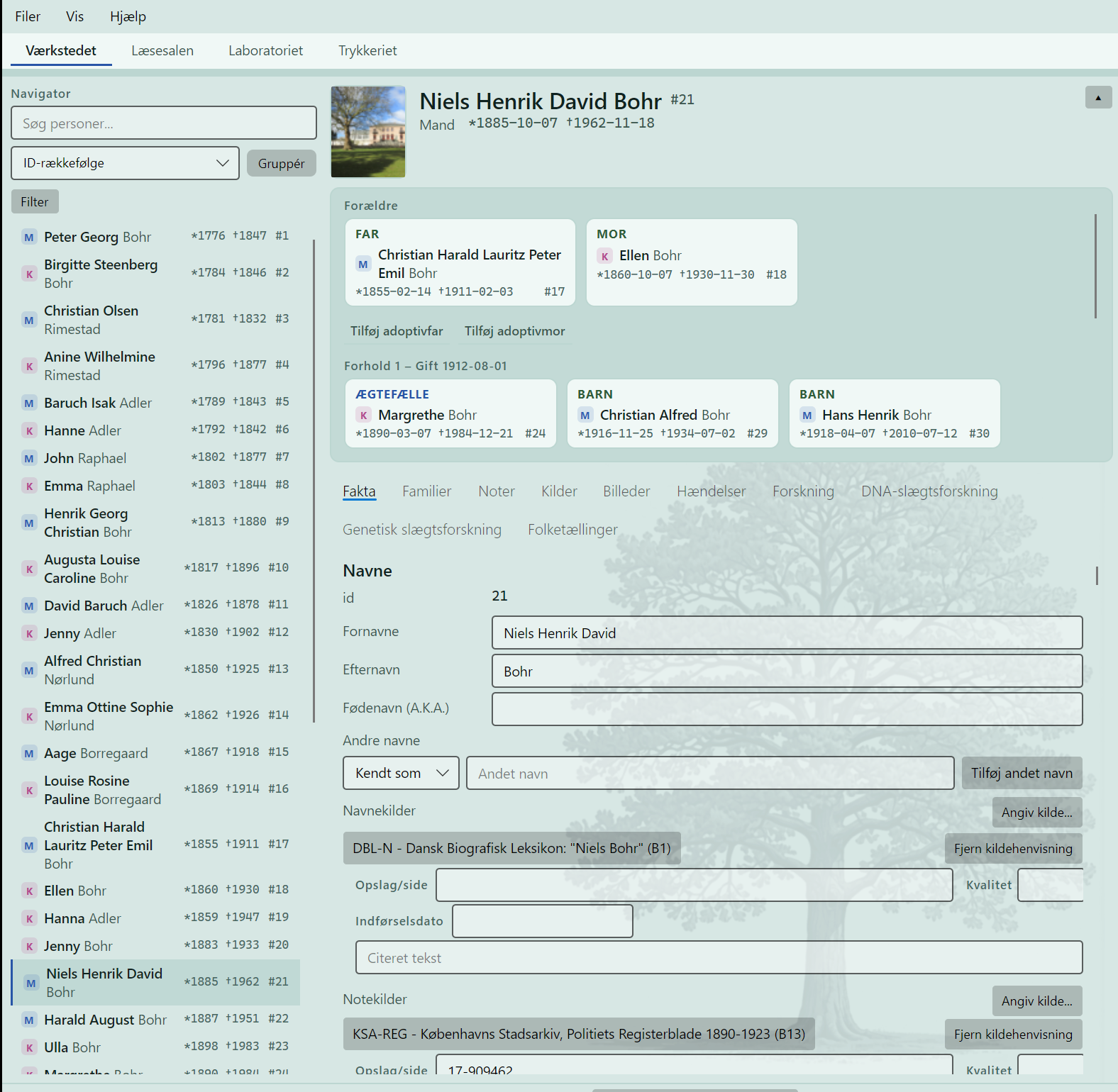
The person card for Niels Henrik David Bohr with parents, marriage, children and source citations.
The Workbench, the person card One person, the whole picture: parents, marriage, children, and the sources right under the name, so you can always see where a fact came from.
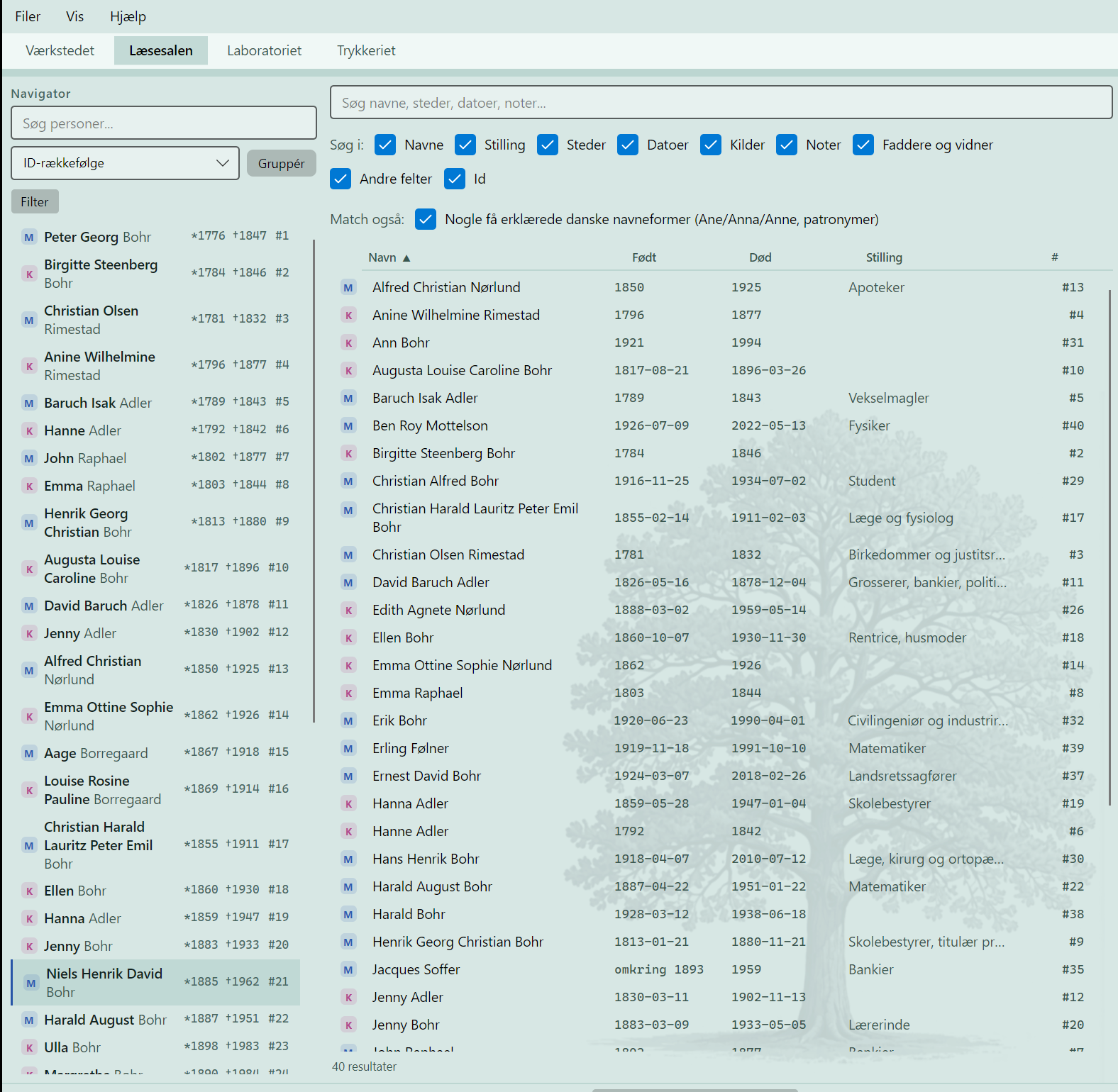
The Reading Room in Stamtree: search across names, places, dates, sources and notes.
The Reading Room Search across names, places, dates, sources and notes, with an understanding of how old name forms are written. The room is named after an archive's reading room, because that is what it is.
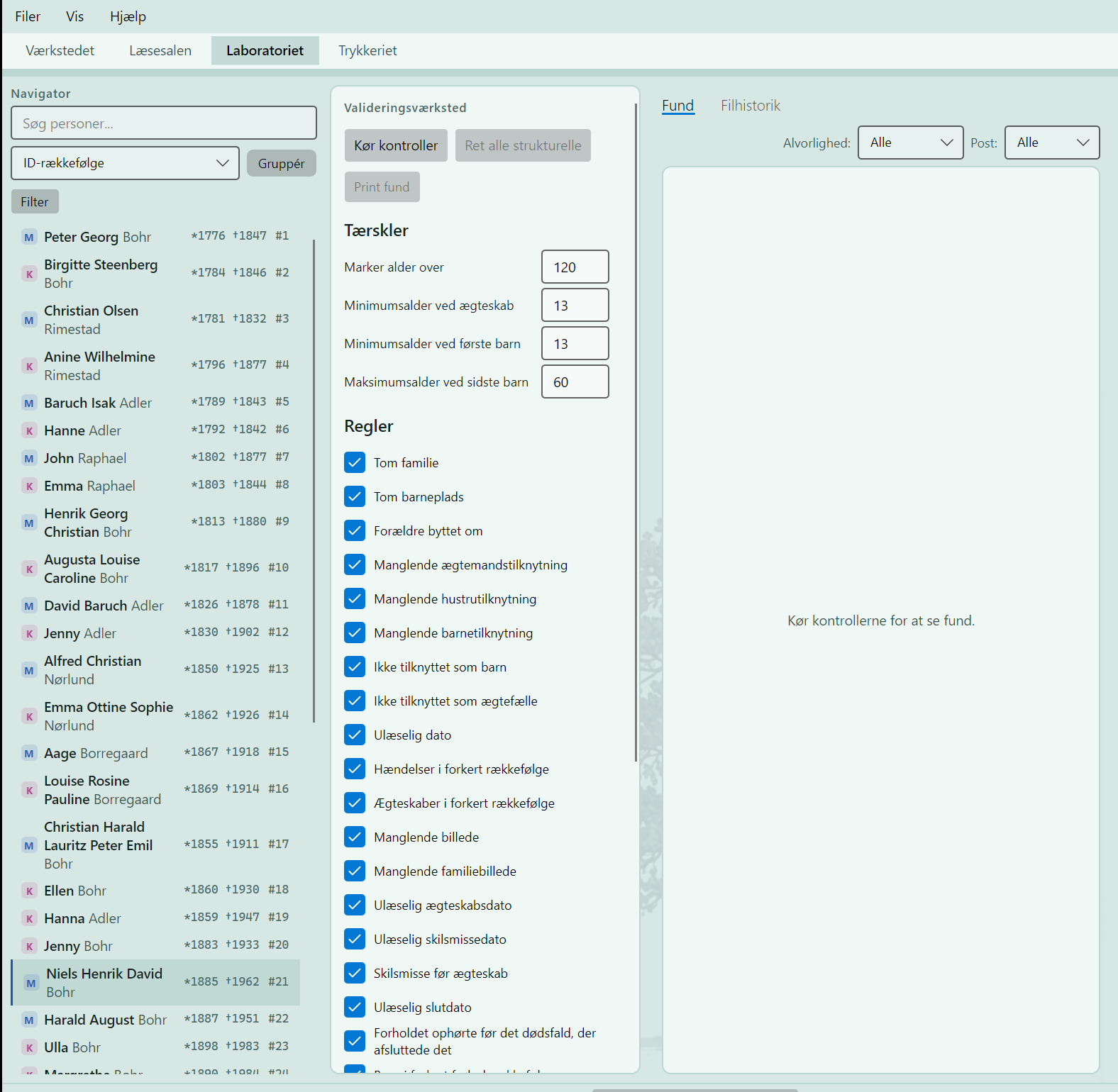
The Lab in Stamtree: the validation workshop with its rules and thresholds.
The Lab Where the work is checked: rules and thresholds that find unreadable dates, swapped parents and gaps in a family, before they become mistakes in a book.
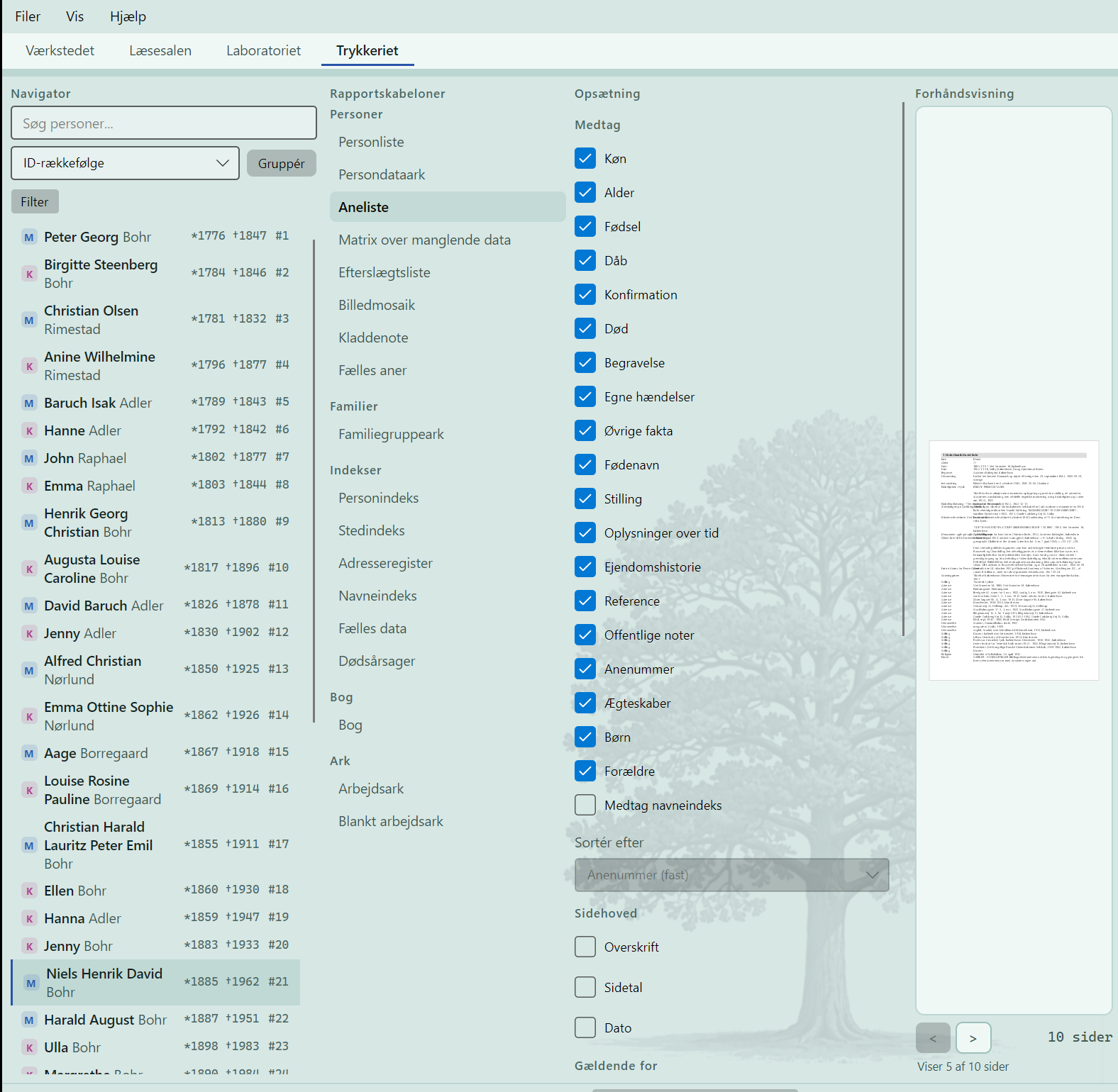
The Print Shop in Stamtree: report templates with an ancestor list and a preview.
The Print Shop From work to print: ancestor lists, descendant lists, family group sheets and the whole book, with a preview before anything reaches paper.

Two rooms working

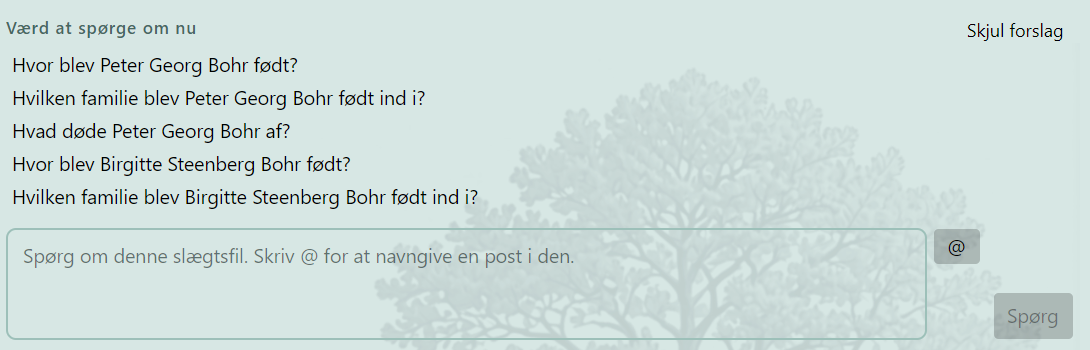
The AI Assistant in Stamtree suggests questions about the family file and answers in plain language.
The AI Assistant Built into the Reading Room. It suggests what is worth asking, you ask in plain language, and it answers with sources out of your own file. It never changes anything without your yes.
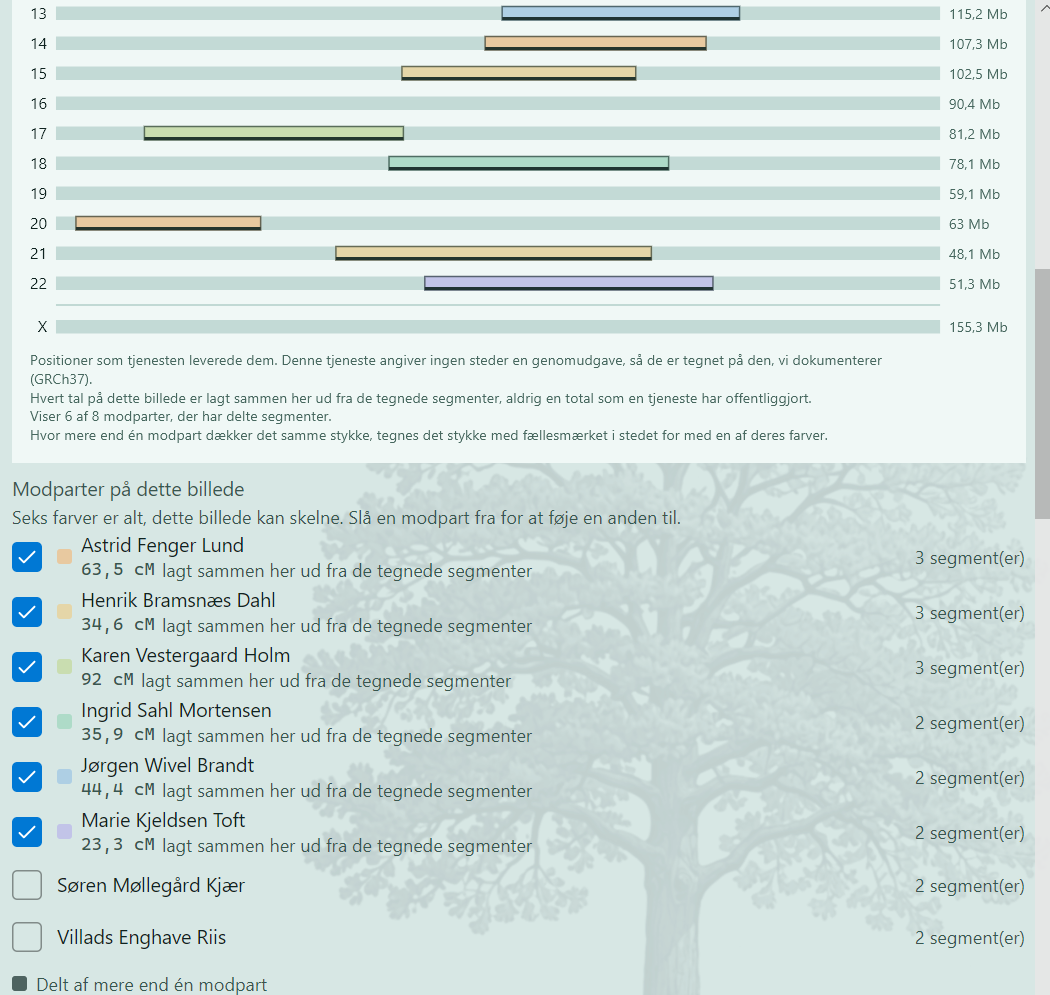
DNA genealogy in Stamtree: shared segments drawn as coloured bars on the chromosomes, with counterparts and summed centimorgan figures.
Shared segments The match list drawn on the chromosomes: each coloured piece is inheritance shared with one counterpart, and where several counterparts cover the same piece, the picture says that too. The family and the matches here are invented sample data.

The menus

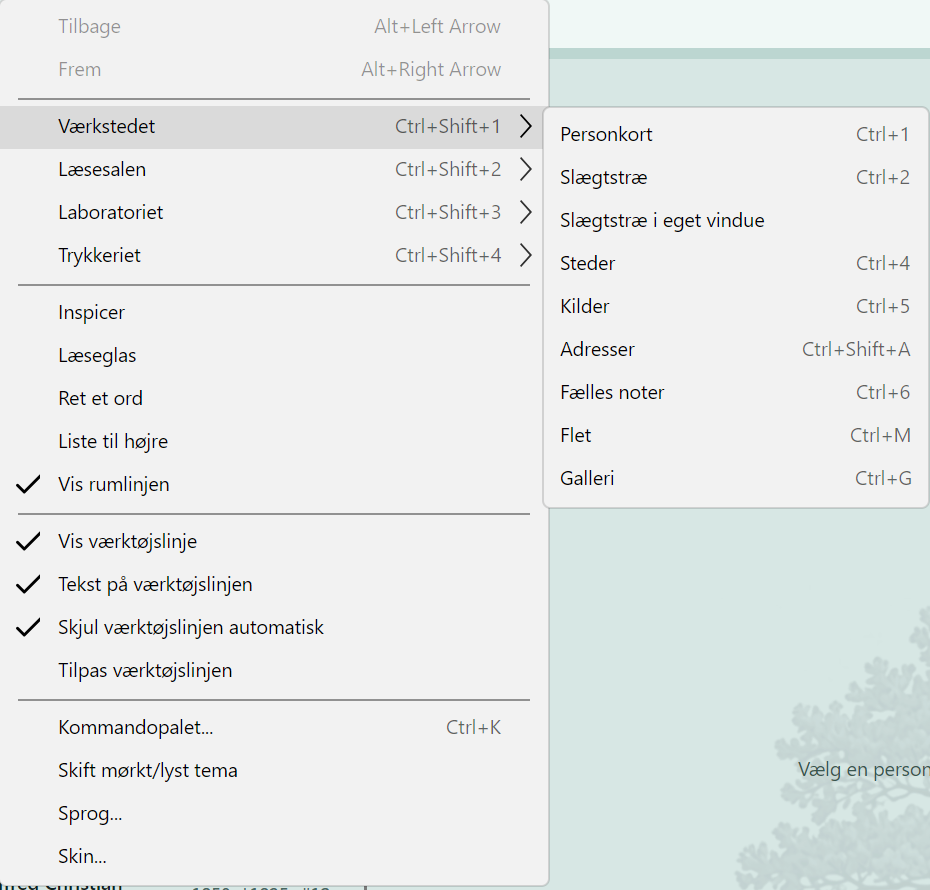
The Workbench menu: person card, family tree, places, sources, addresses, shared notes, merging and gallery.
The Workbench Person cards, the tree - in its own window too - places, sources, addresses, shared notes, merging and the picture gallery.
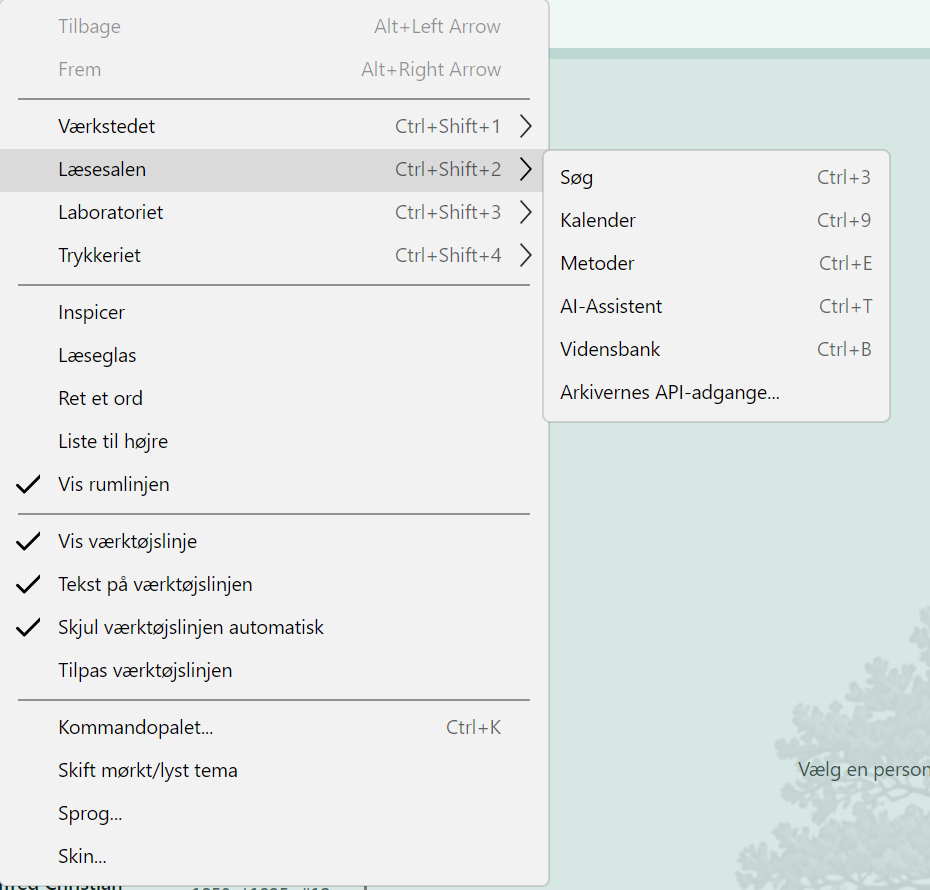
The Reading Room menu: search, calendar, methods, AI Assistant, knowledge bank and the archives' own access points.
The Reading Room Search, the calendar, methods, the AI Assistant, the knowledge bank, and the archives' own access points.
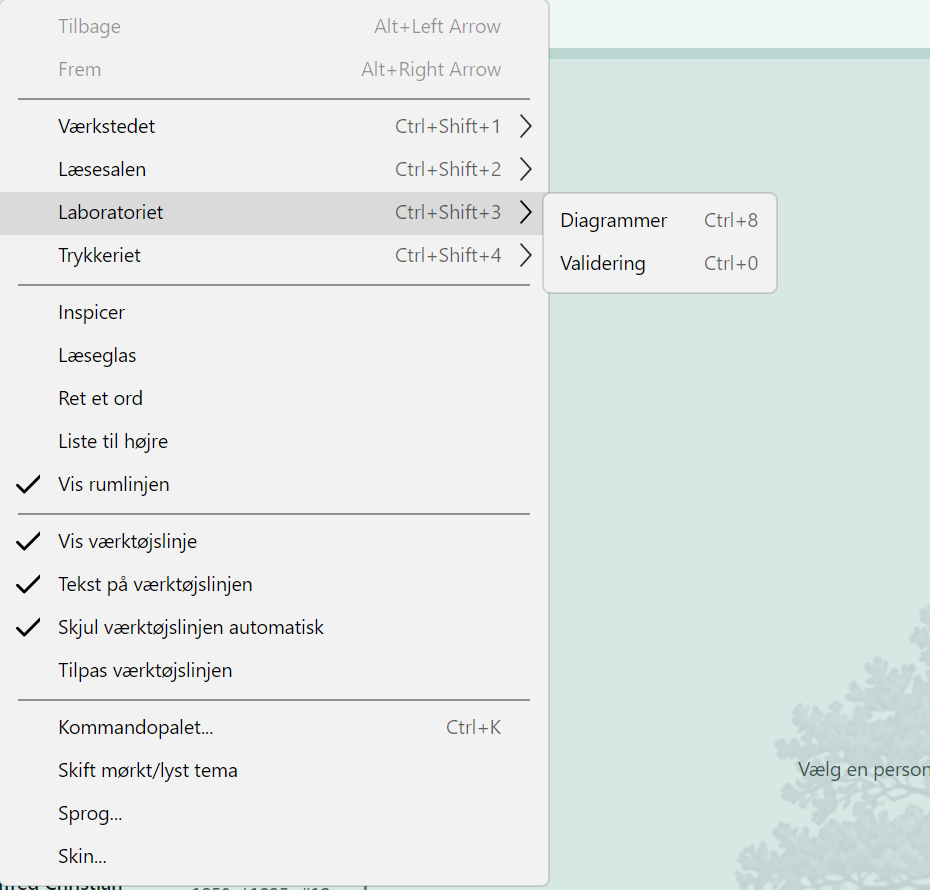
The Lab menu.
The Lab The checks and the measurements - the room where the work is looked over.
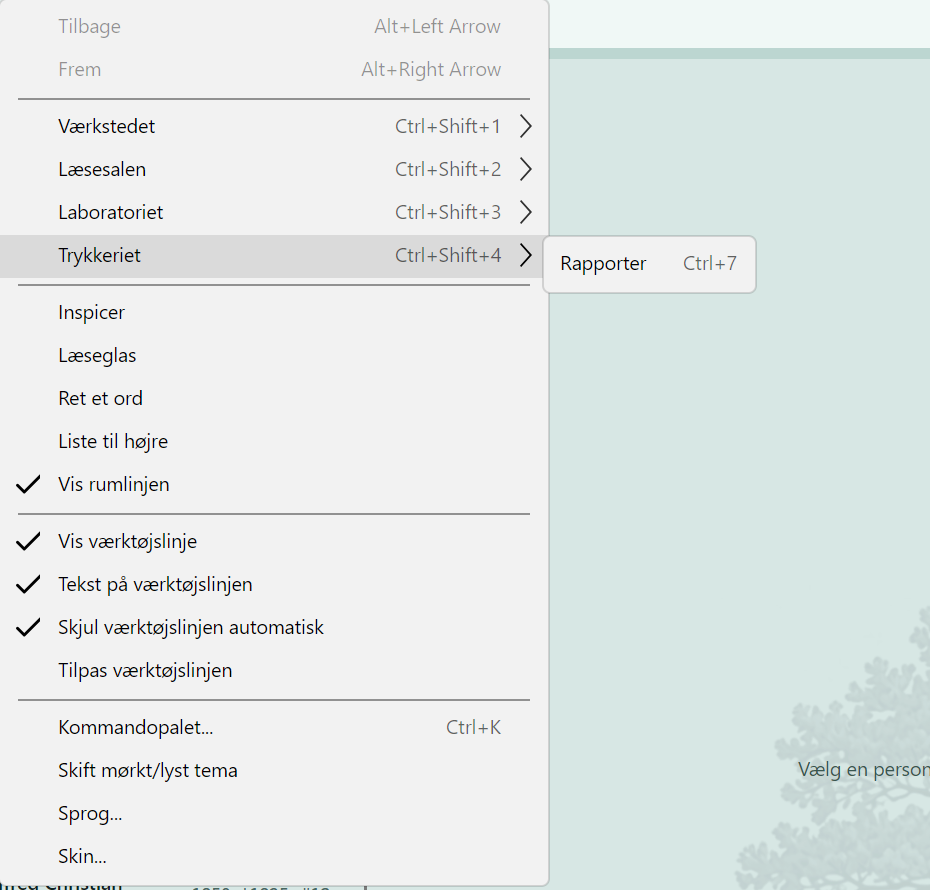
The Print Shop menu: the reports.
The Print Shop The reports, from an ancestor list to the whole book.
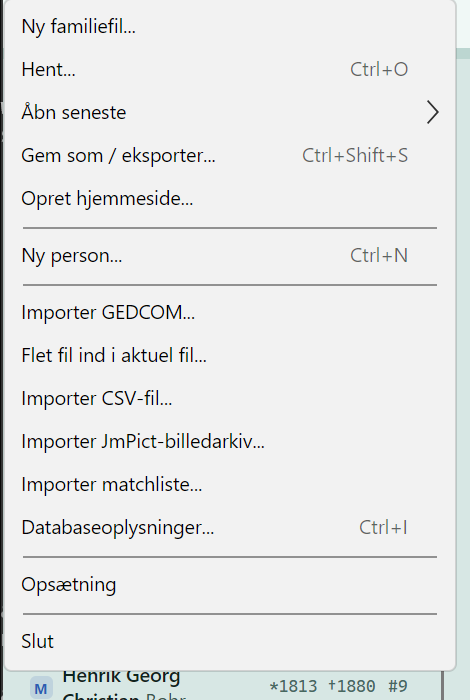
The Files menu in Stamtree: new family file, GEDCOM import, CSV import, picture archive, match list and create website.
The Files menu New family files, GEDCOM, CSV, picture archives and match lists in - and your family out again: as an export, as print, or as your own website, straight from the menu.

The people on these screens are long dead and publicly documented, with sources given in the program. If you are a relative and want a name removed, write to us.